

Bookmer offers a powerful and flexible way to share bookmark collections using your own custom domain.
What Is a Custom URL?
A Custom URL allows you to share collections or pages using a personalized web address — for example:
or
https://subdomain.yourdomain.com/
This gives you full control over how shared content appears and where it’s hosted.
How to Set It Up
-
Go to the menu in the top-right corner.
-
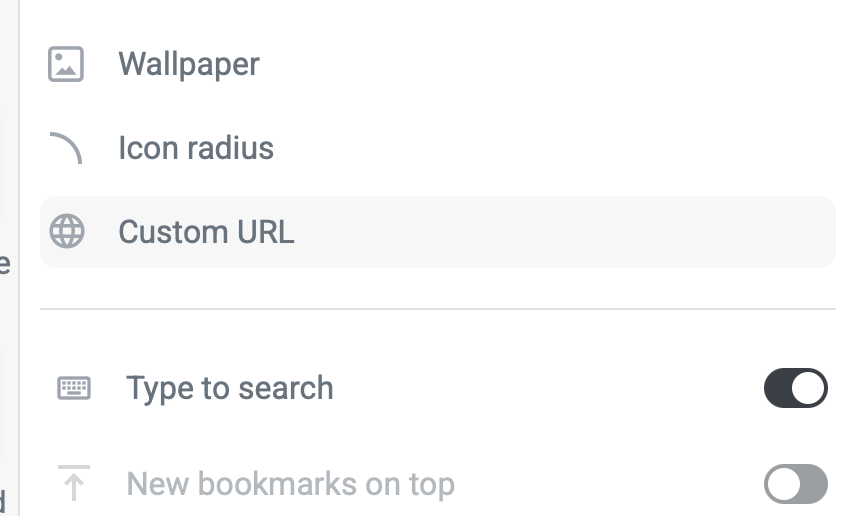
Navigate to “Custom URL.”
-
Enter the domain or subdomain you want to use (e.g. links.yourdomain.com).
-
After confirming, Bookmer will generate the required DNS records (A-records).
-
Copy these values and enter them into your domain provider’s DNS settings.
Type Host Value TTL A @ 157.90.120.59 3600 A www 157.90.120.59 3600 -
Once Bookmer detects a valid DNS configuration, the custom URL can be activated.
-
After activation, you can define a default target — the destination page that loads when users visit your custom URL.
Benefits of Using a Custom URL
-
Fully branded sharing experience
-
Ideal for teams, educators, curators, or product showcases
-
Allows you to map specific pages or folders to friendly, memorable URLs
-
Custom paths and dynamic link parameters offer advanced flexibility