

Bookmer offers several flexible ways to move bookmarks between folders. Choose the method that best suits your workflow:
1. Drag & Drop
The simplest and most intuitive method:
Just click and hold the bookmark.
Drag it to the desired folder.
Drop it in — done!

You can also drag one bookmark onto another to instantly create a new folder containing both.
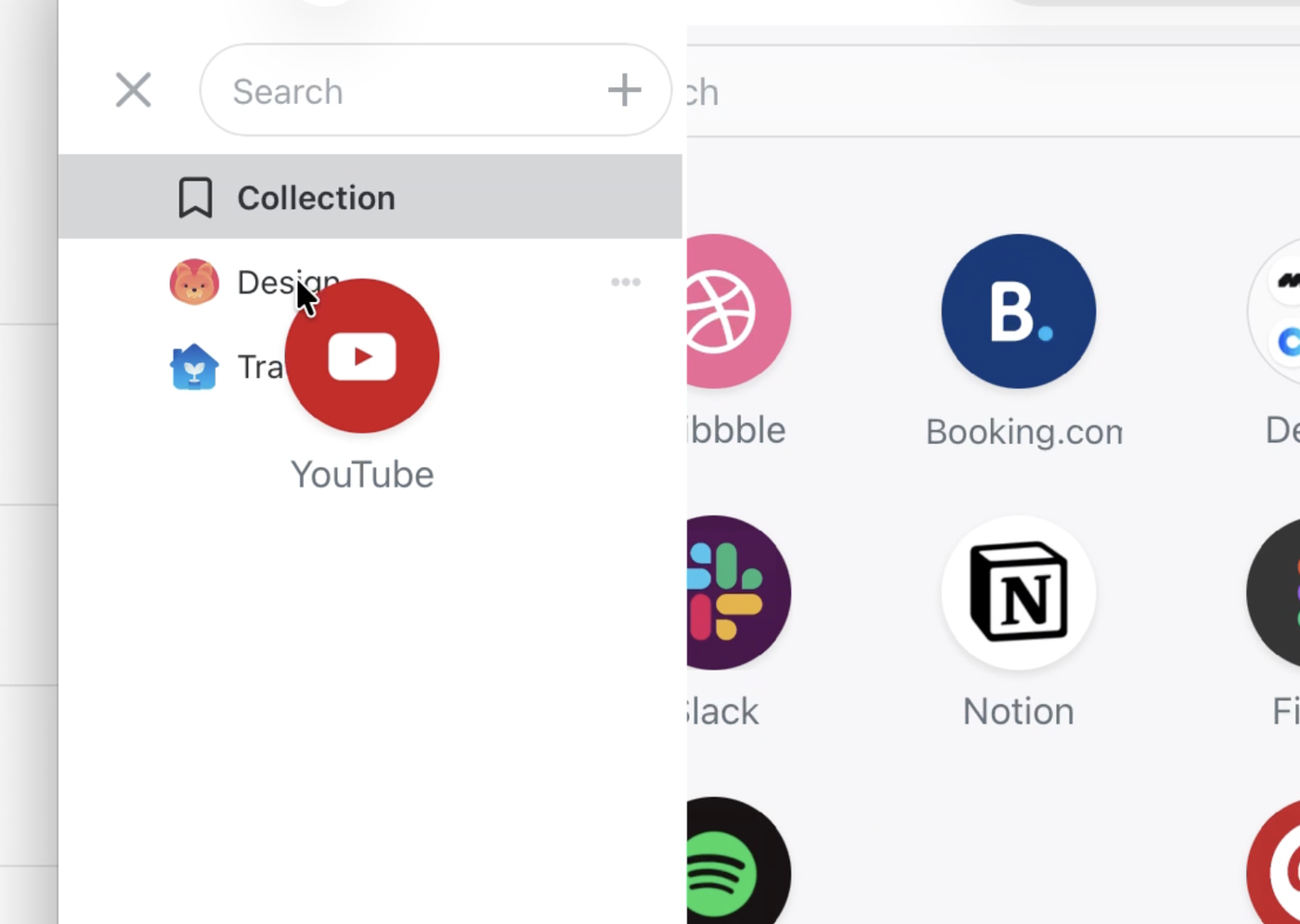
2. Using the Navigation Sidebar
Open the navigation sidebar (usually on the left).
Simply drag bookmarks into any visible folder listed there.
This method is especially handy for quick organization across folders.
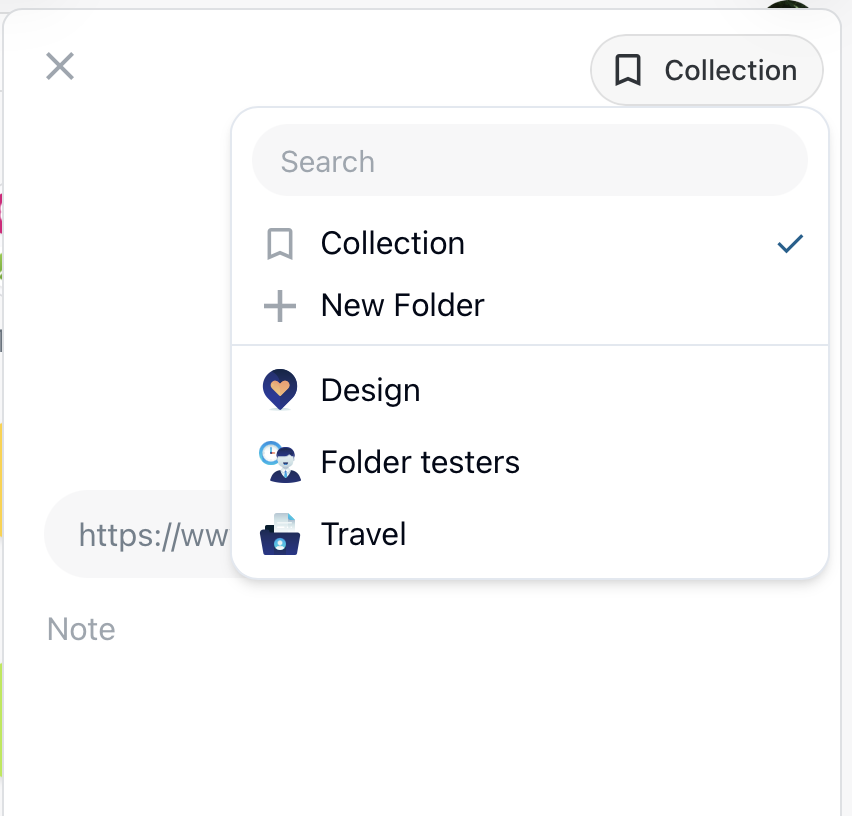
3. Inside the Editor
While editing a bookmark, look to the top-left corner of the editor.
There, you’ll see the current folder name.
Click it to open a popup menu with all available folders.
Select the new destination folder and confirm — the bookmark will be moved instantly.
Tip: No matter which method you choose, your changes are applied immediately and synced across your workspace.