

Don’t worry if you’ve accidentally deleted a bookmark in Bookmer — you can easily restore it within a few steps.
Where to Find Deleted Bookmarks
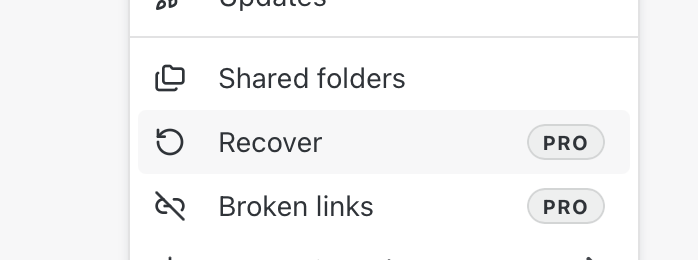
Open the Menu.
Click on the “Recover” section.
Here you’ll see a list of all recently deleted items.
By default, deleted bookmarks are kept here for four days before being permanently removed.
Restoring a Bookmark
Select “Recover icon” from the context menu.
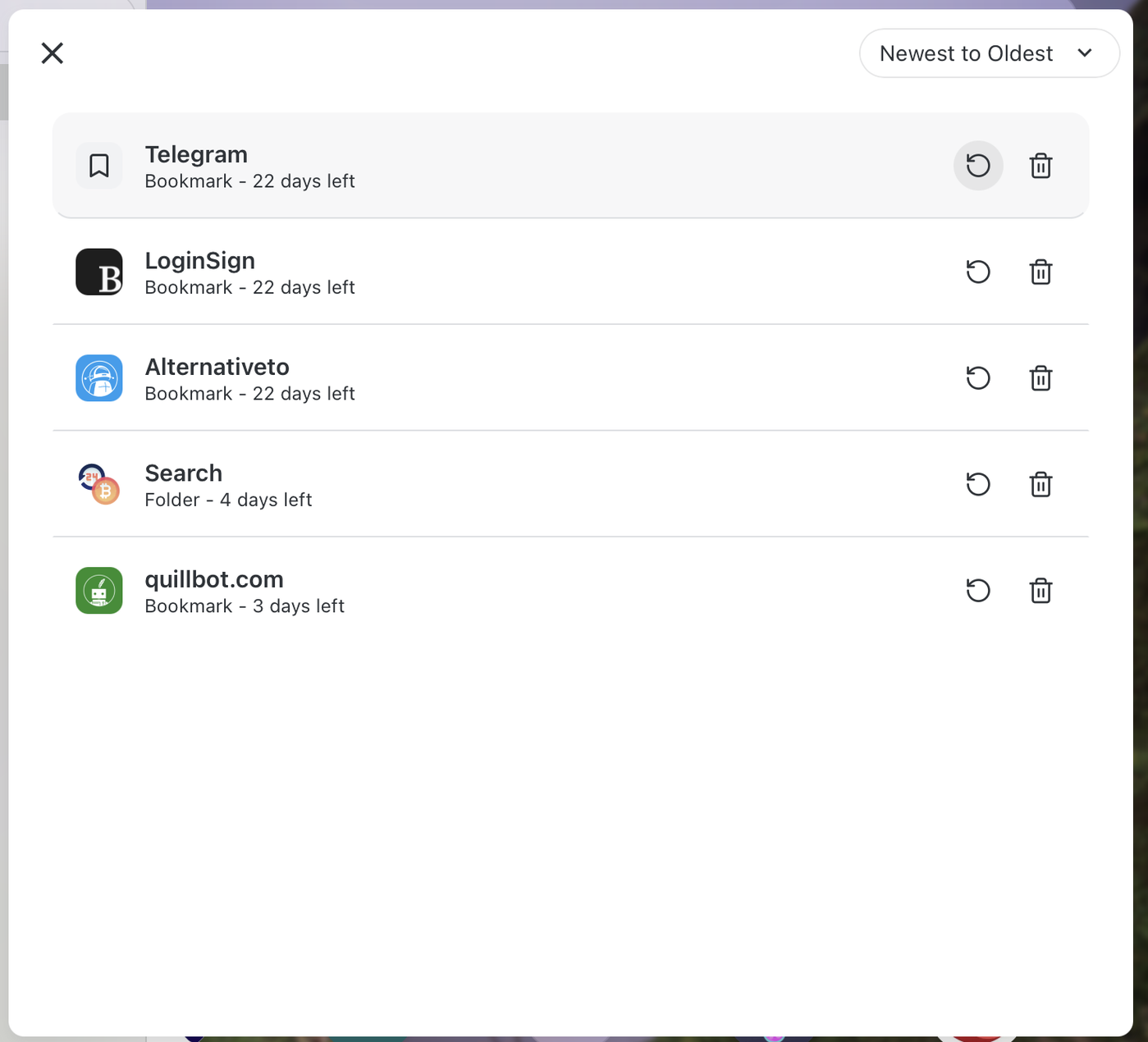
The bookmark will immediately return to startpage and function as normal.
Previewing Before You Restore
You can left-click a deleted bookmark to open and preview it.
It behaves just like any other bookmark — with one exception: